

1.Label Printer Setup
DREAM Software support Citizen and Zebra Label printer
follow the instructions to get both types of printerZebra Label Printer
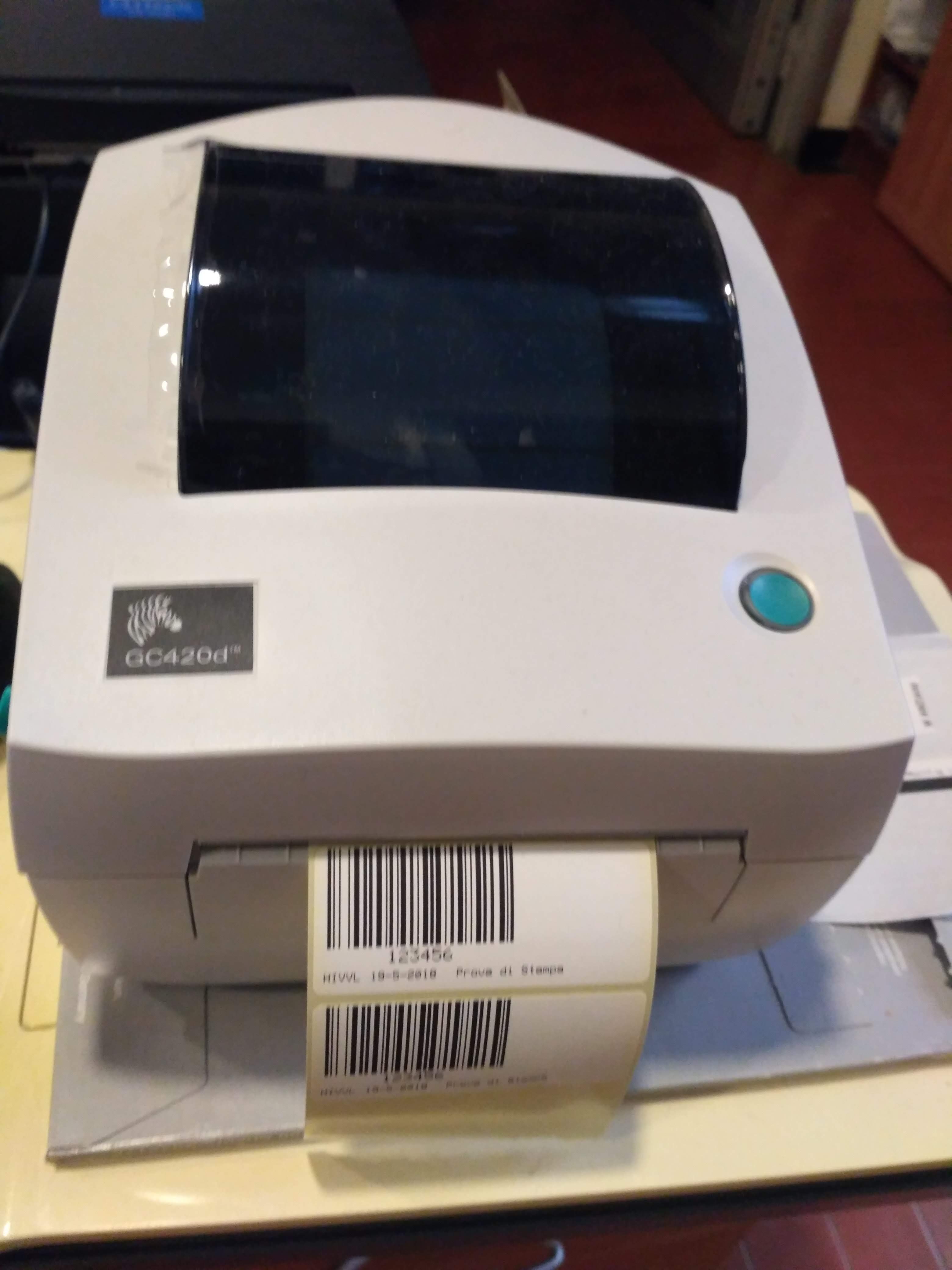 We have tested DREAM Software with Zebra GC420d Label printer.
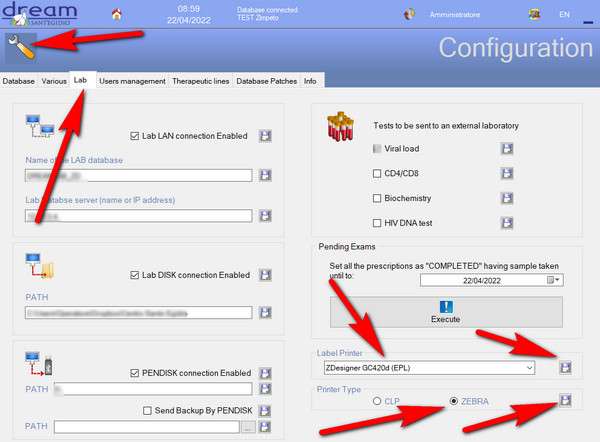
You have to configure DREAMCEN software to use ZEBRA label printer in Configuration :
We have tested DREAM Software with Zebra GC420d Label printer.
You have to configure DREAMCEN software to use ZEBRA label printer in Configuration :
 Setting the labels roller is simply: you have to follow the istructions in the back of the top: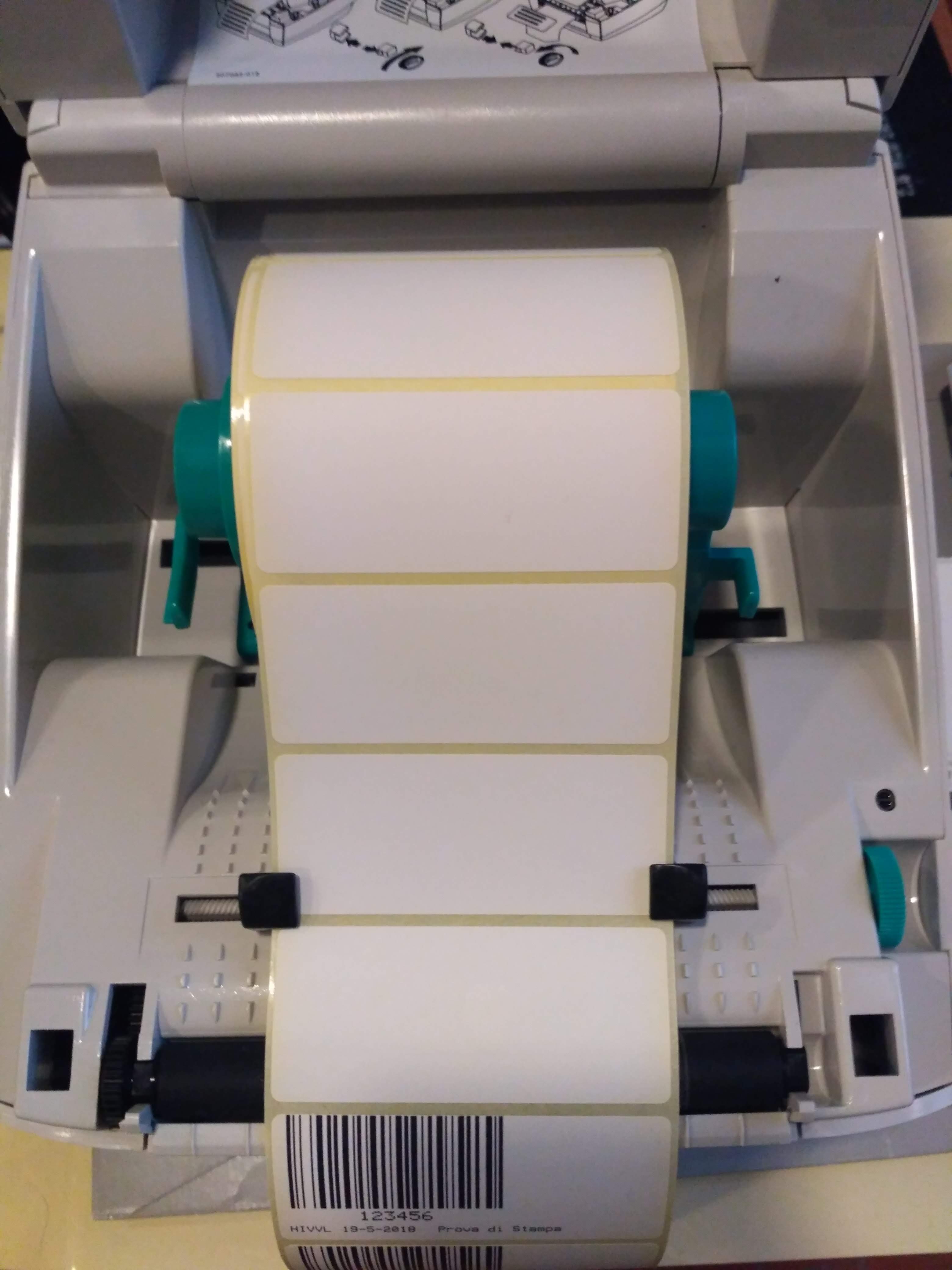
USE ONLY 30 mm hight x 70 mm lenght labels both for drugs prescription and samples
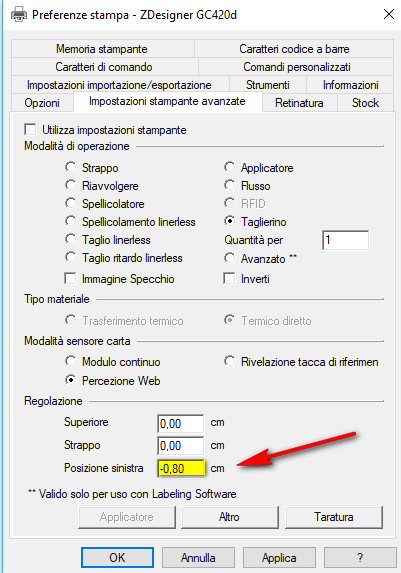
If the printed is not center you can adjust the printer position from the driver settings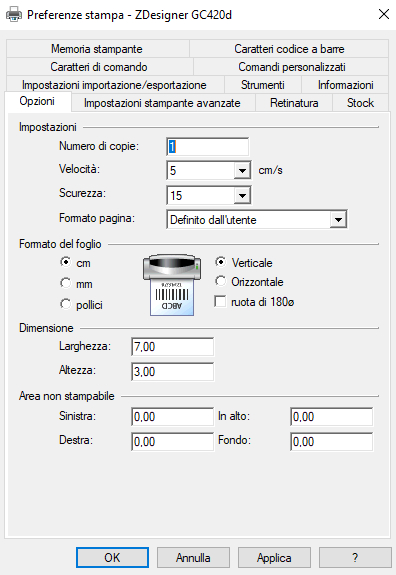
Citizen Label Printer
Maintenance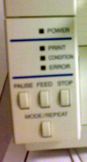 Control panel
Positioning the label roll
After placing the labels roll you must press the FEED button once on the control panel to correctly position the labels before starting to print.
Positioning sensors
This is necessary to make initial installation and whenever you change the format of the labels.
Should not be necessary at other times.
Control panel
Positioning the label roll
After placing the labels roll you must press the FEED button once on the control panel to correctly position the labels before starting to print.
Positioning sensors
This is necessary to make initial installation and whenever you change the format of the labels.
Should not be necessary at other times.
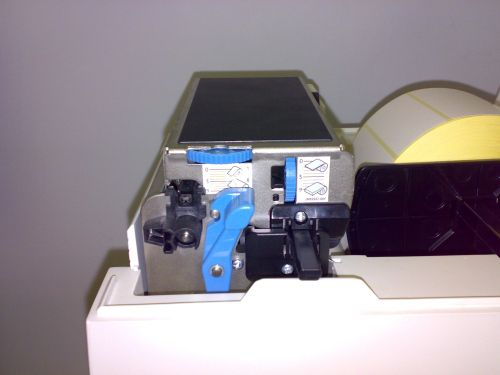 Acting on the blue lever to lift the print head
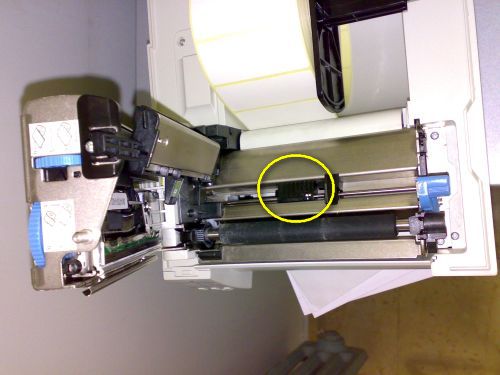 Position the cursor (indicated in yellow circle) in the center label
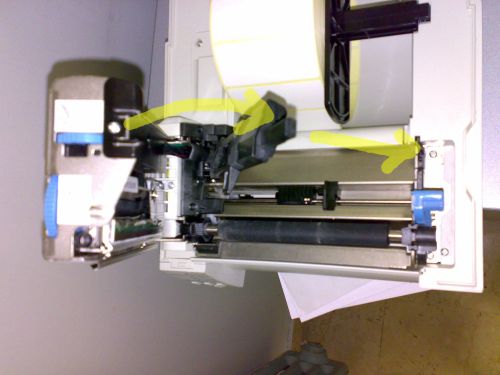 Lower driving black as shown to align photocell
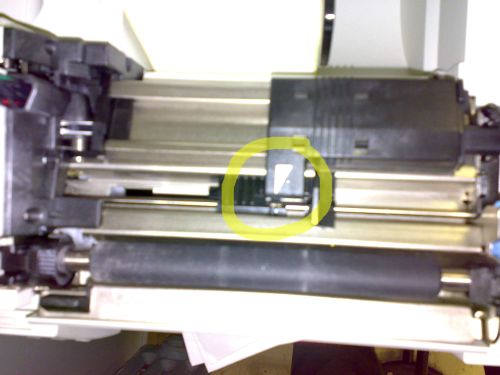 To match the white arrow with the white ball dot of the photocell.
Then raise the guide, place the labels and close everything.
Remember to press FEED before using the printer
To match the white arrow with the white ball dot of the photocell.
Then raise the guide, place the labels and close everything.
Remember to press FEED before using the printer
Help Guide Powered by Documentor